
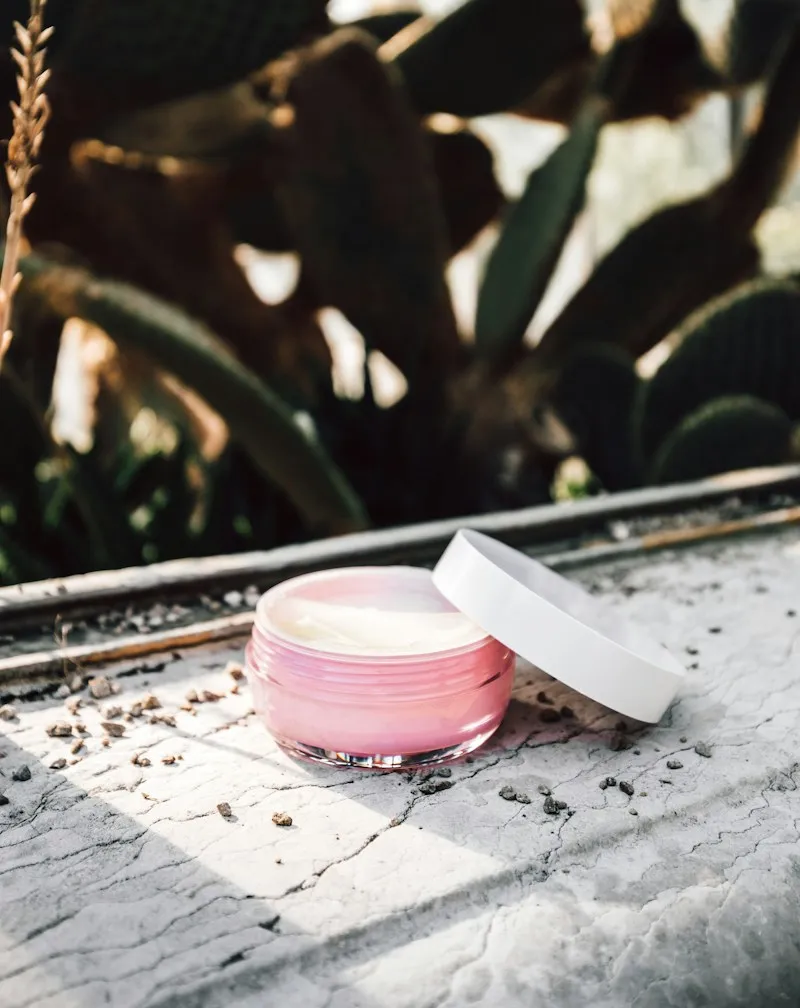

- Resize and compress photos by hand before every upload
- One forgotten heavy photo slows the page
- Images already in your store stay heavy
 Auto Media OptimizerShopify app · Site optimisation
Image compression that runs itself.
Upload as usual. Every image is compressed for the web in the background, store-wide.
- Free plan
- Starts right away
- Works in the background
Sample store · illustrative
How it works
Set it up once. It runs itself after that.
No daily checks. No manual updates.
- 1Once · install
Install the app
Add it from the Shopify App Store. It starts working right away.
- 2Then · as you always do
Upload images as usual
Add, update or replace product and media images the way you always do.
- 3Automatic · every upload
Lighter pages, automatically
Images come out web-ready, so pages load faster for shoppers.
Running in the backgroundExample activity
- 09:14glow-oil.jpg uploaded2.4 MB, now 312 KB
- 11:02cloud-cream.jpg replaced1.9 MB, now 268 KB
- 16:40Media library12 images optimised
Your partNothing.
The manual way, and the automatic one.
- Every upload compressed on its own
- Sharp images, smaller files
- Your media library included
Everything it does, on its own.
01
Compress on upload
Images are optimised automatically when they’re uploaded or updated.
02
Works in the background
No waiting and no clicks. Keep working while it runs.
03
No visible quality loss
Smart compression that keeps images looking sharp.
04
Store-wide
Optimises consecutively across your store, media library included.
Screenshots
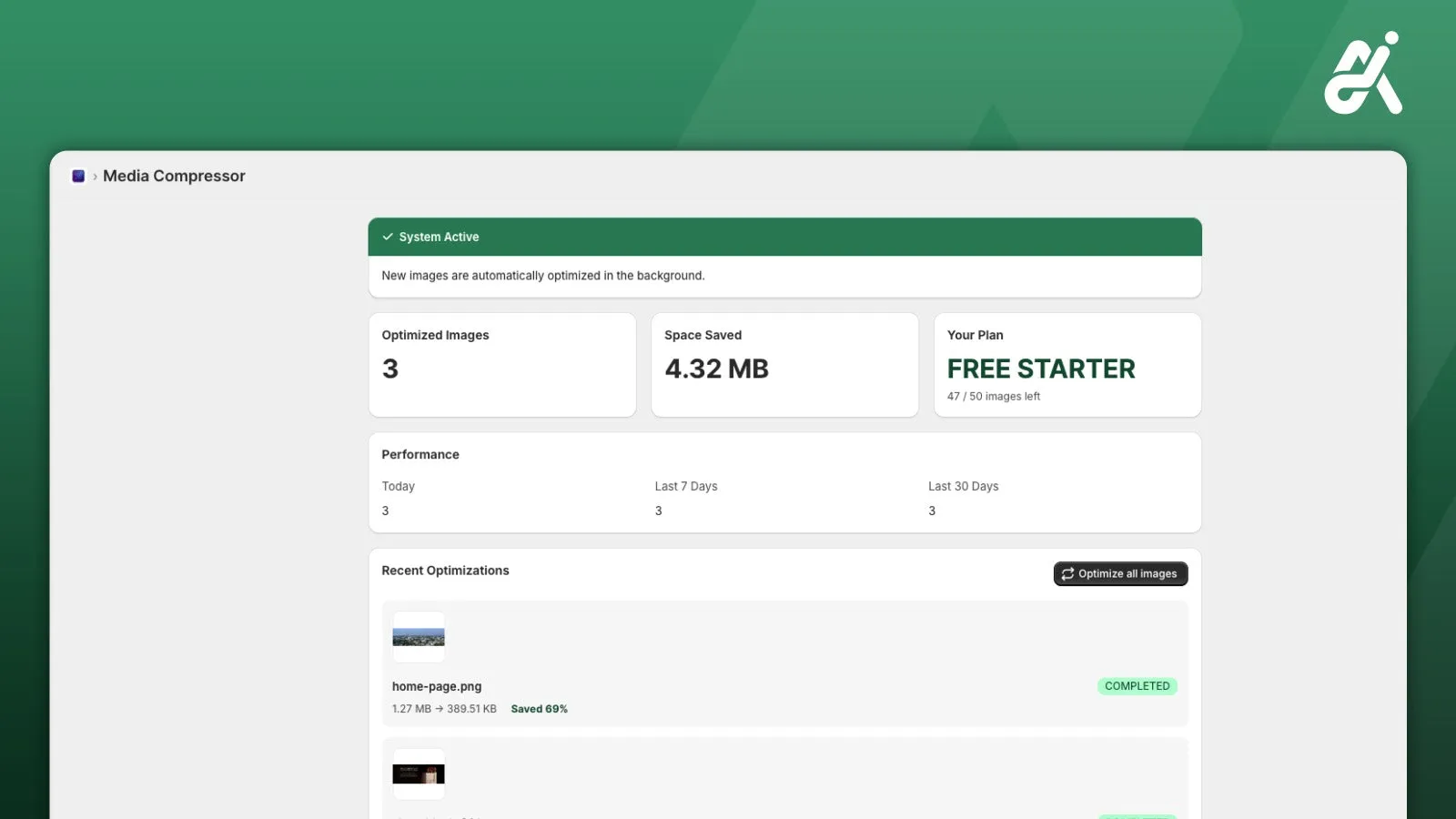
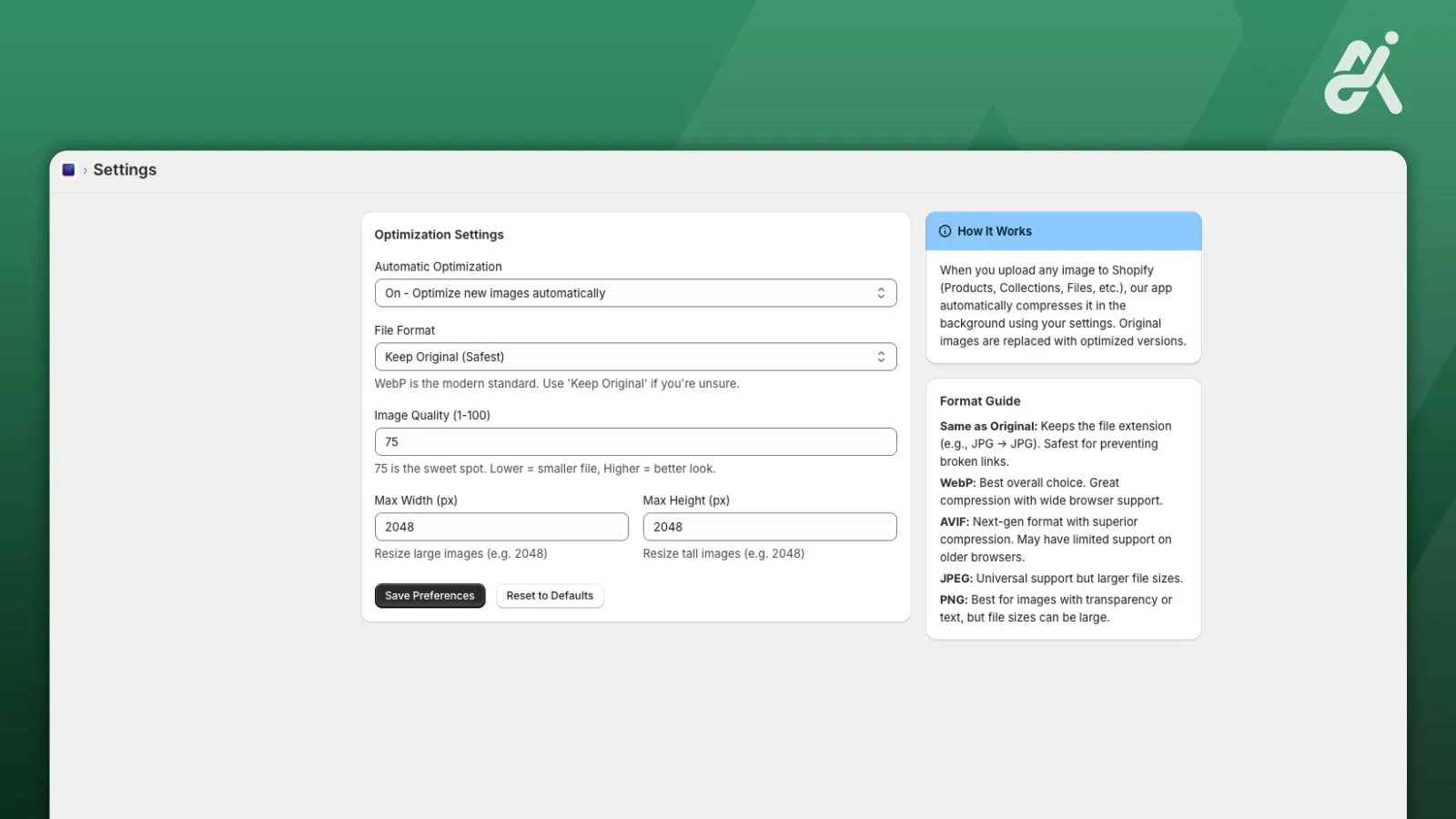
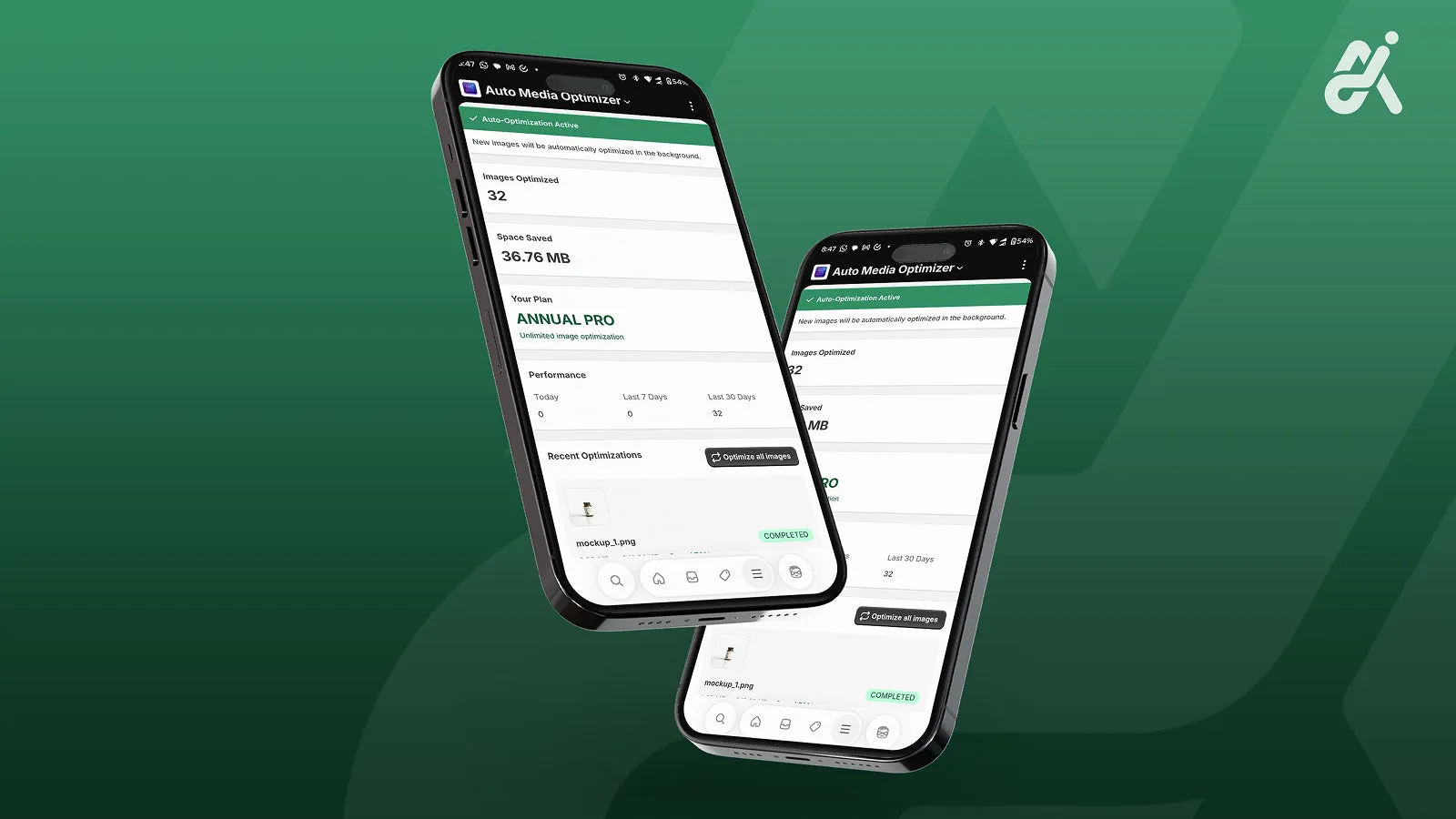
Inside the app
From our App Store listing.
Plans
Start free. Flat pricing after.
Billed through Shopify. Prices as listed on the Shopify App Store.
Free Starter
$0/month
- Up to 50 images a month
- Automated media optimisation
Pro
$9.99/month
or $99/year (save 17%)
- Unlimited image optimisation
- Automated media optimisation
- Faster optimisation speed
About Auto Media Optimizer
Is there anything to do after installing?
No. It starts right away and works in the background on every image you upload, update or replace.
Do I need to change how I upload images?
No. Upload, update or replace images as usual and the app optimises them in the background.
Will my images lose quality?
It uses smart compression designed to avoid visible quality loss.
Does it cover images I already have?
Yes. It works store-wide, media library included.
Related reading

Install it once. Forget it’s there.
Free plan: 50 images a month. Starts right away.
What you get
- 1Every upload compressed
- 2Your media library included
- 3Nothing to do after install